
Leave XC without losing a subscriber.
Moving panels is the risky part, so it is the part we built first. Three steps and your existing lines are live on streamars.
Install on your server
One installer sets up the panel on a Linux machine with automatic TLS. You keep the box, the data and the keys.
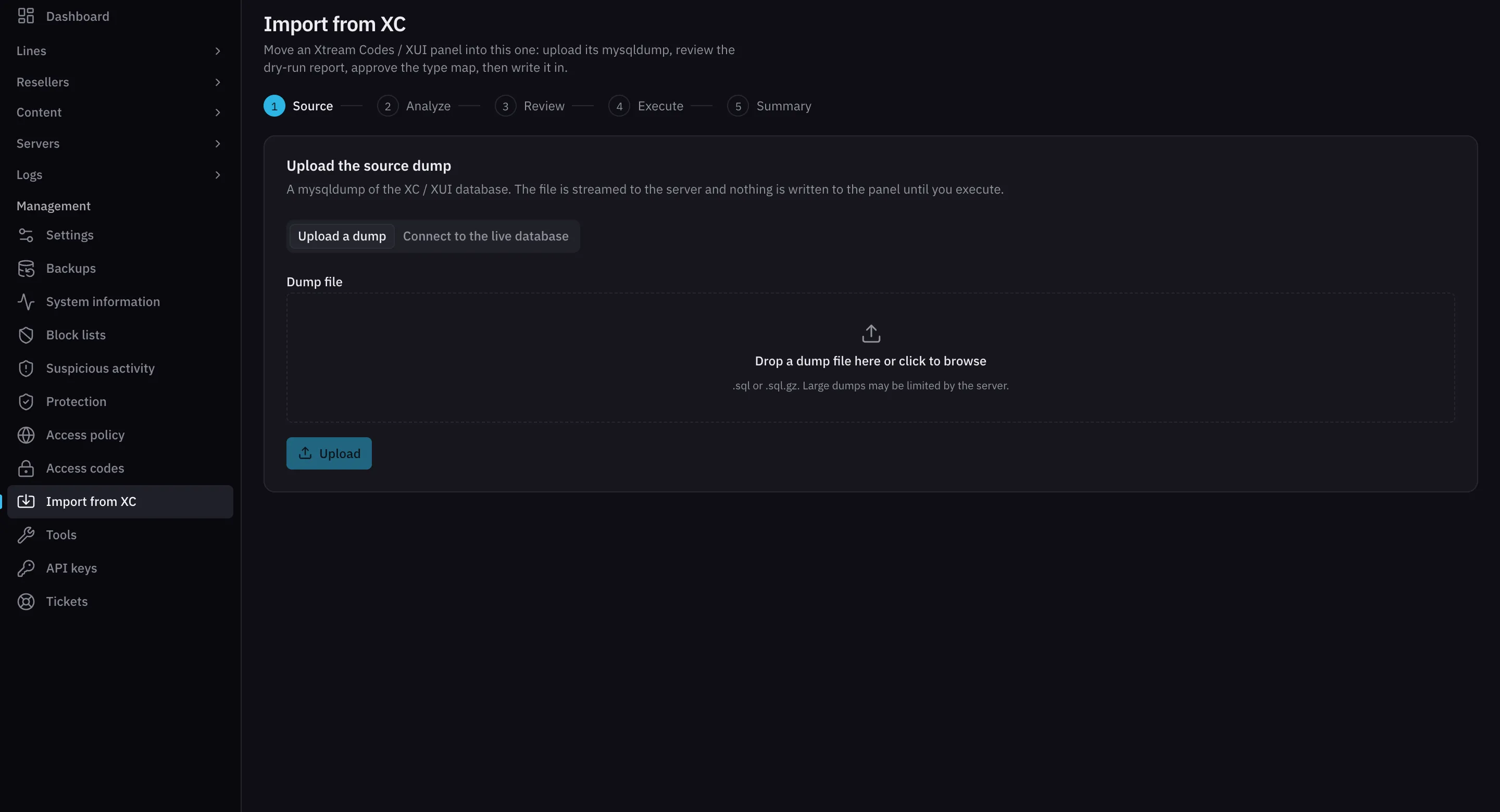
Import from XC
Upload a database dump or connect to the live database. The wizard analyses it, shows you a dry-run report, and writes nothing until you approve.
Point your domain
Subscribers sign in with the same username and password. Their players need no new app and no new playlist.
Dry run first. Write later.
The wizard reads the source, reports what it found and what it will map, and waits. You approve the plan before a single row is written.
What comes across
- Lines, with packages, expiry dates and connection limits
- Resellers, sub-resellers and credit balances
- Bouquets and categories
- Live channels and their sources
- Movies, series and episodes with artwork
- MAG and Enigma2 devices
- Settings that have a streamars equivalent
What your subscribers notice
Nothing, if you do it right. That is the goal.
- Apps
- Any Xtream Codes player keeps working with the existing login.
- Playlists
- M3U and XMLTV links keep the same shape.
- Set-top boxes
- MAG and Enigma2 devices reconnect to the same portal address.
- Resellers
- Sign in to the new panel with their existing usernames.
Bring your panel across.
Early-access operators get hands-on help with the move. Tell us about your current panel and we will plan it with you.
Request early access